In summary:
- Stop collecting brand ecosystems; focus on unifying the underlying communication protocols (Zigbee, Z-Wave) for true integration.
- Prioritize a central hub that offers local control to create a more reliable and secure system that works even when the internet is down.
- Solve specific problems like signal dead zones, security vulnerabilities, and usability issues by building a robust network foundation first.
You have a smart home, but it doesn’t feel very smart. Your Google Nest doesn’t want to talk to your Apple HomeKit sensor, and your Alexa-compatible bulbs at the far end of the house have a mind of their own. This patchwork of devices, each locked in its own walled garden, is a common frustration. You’ve been told to look for “Works with Alexa” or “Connect with Google Home” logos, but this often just creates more cloud-dependent links, not a truly cohesive and responsive home.
The standard advice often involves using services like IFTTT to stitch together different apps, but this approach is brittle, relying on multiple internet connections and third-party servers to turn on a light. If one service has an outage, your automation fails. The real solution isn’t about collecting more brand-compatible devices; it’s about going a level deeper. It’s about building a system from the ground up, based on the foundational languages these devices speak.
The key to unlocking a truly integrated smart home is to shift your focus from brands to protocols. By implementing a central hub that speaks the native languages of your devices—like Zigbee and Z-Wave—you take control back from the cloud. This article will guide you through that shift in mindset. We won’t just list compatible products; we will dissect common smart home failures and show you how a protocol-centric, locally-controlled hub is the definitive solution for building a reliable, secure, and genuinely intelligent home environment.
This guide will explore the core technical principles and practical steps needed to build a unified smart home. By understanding the ‘why’ behind common issues, you can implement the ‘how’ to create a system that is greater than the sum of its parts.
Summary: How to Build a Smart Home Hub That Truly Connects Different Brands?
- Why Your Smart Bulbs Keep Disconnecting at the End of the House?
- How to Program Your Coffee Maker to Start When Your Alarm Goes Off?
- Zigbee or Z-Wave: Which Protocol is More Reliable for Sensors?
- The Default Password Mistake That Lets Hackers Into Your Baby Monitor
- When to Use Voice vs. Physical Switches for Smart Lights?
- Why a Tight Temperature Band Cycles Your Furnace Too Often?
- How to Transition to a Password Manager Without Getting Locked Out?
- How to Program a Smart Thermostat to Save 15% on Heating Bills?
Why Your Smart Bulbs Keep Disconnecting at the End of the House?
That one smart bulb in the back bedroom that constantly drops offline is not a faulty device; it’s a symptom of poor network health. Most smart home devices that don’t rely on Wi-Fi use a protocol like Zigbee. While robust, these signals have physical limitations. They are weakened by distance, thick walls, and interference from other electronics. According to IEEE 802.15.4 specifications, Zigbee devices typically have transmission distances of 10-100 meters line-of-sight, a range that shrinks dramatically inside a typical home filled with obstacles.
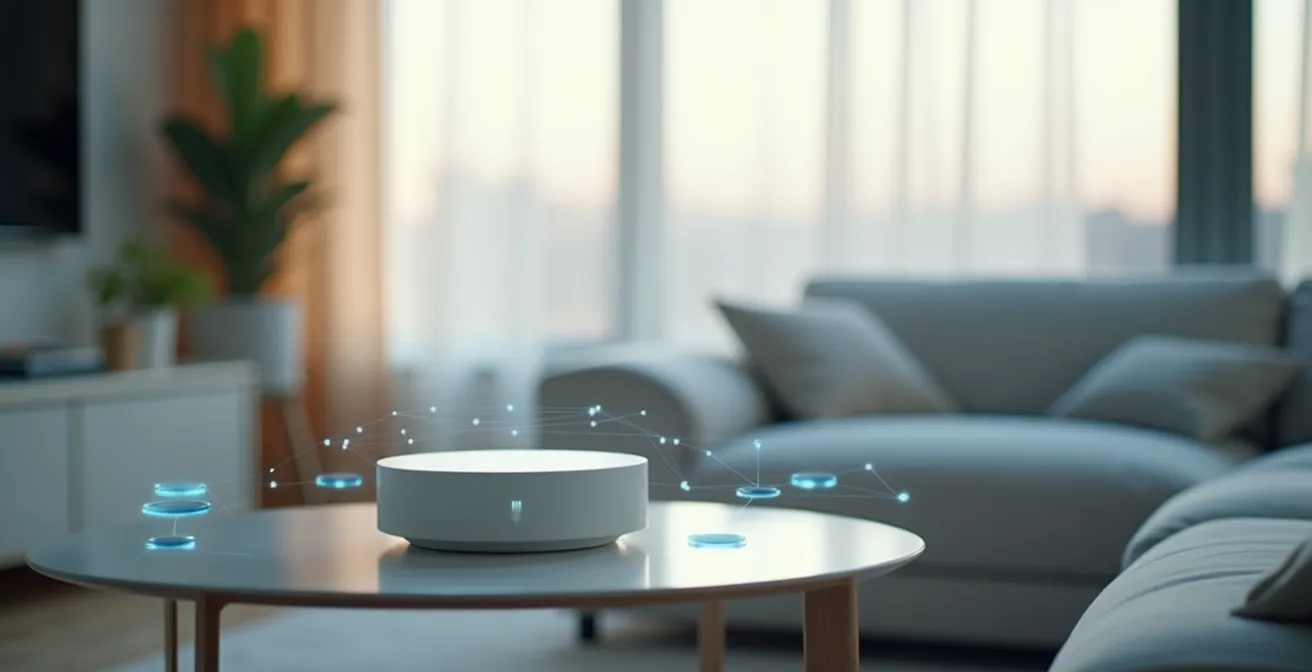
The solution isn’t a stronger signal from the hub, but a smarter network topology. Both Zigbee and Z-Wave are designed to create a mesh network. In this setup, mains-powered devices (like smart plugs, in-wall switches, and most light bulbs) act as “repeaters” or “routers,” relaying signals from the central hub to devices farther away. A device that keeps disconnecting is likely in a “dead zone” with no nearby repeaters to carry the signal.

As the visualization shows, a healthy mesh network provides multiple pathways for communication, ensuring reliability. Building a unified hub allows you to actively manage and visualize this network. Instead of just adding another bulb, you can strategically place a smart plug or a dedicated repeater to bridge the gap and heal the dead zone. Your hub becomes the command center for managing the very fabric of your home’s communication layer, ensuring no device is left isolated.
How to Program Your Coffee Maker to Start When Your Alarm Goes Off?
This is a classic smart home dream, but achieving it reliably separates a basic setup from a truly integrated one. A simple approach might use a cloud service like IFTTT to link your alarm app to a smart plug. It works, but it’s a fragile chain of dependencies. A more robust solution, enabled by a central hub, performs this logic locally. This allows for more complex and resilient automation, moving beyond simple triggers to create conditional routines.
A powerful local hub (like one running Home Assistant or Hubitat) can handle sophisticated logic that cloud services struggle with. For example, you can build an automation that does the following:
- Trigger: When your phone’s alarm is dismissed.
- Condition 1: Only on weekdays.
- Condition 2: Only if your phone’s presence detection confirms you are actually home (not away on a trip).
- Condition 3: Only if the “Vacation Mode” switch is off.
- Action: Turn on the coffee maker’s smart plug.
This level of multi-conditional logic ensures the automation is helpful, not annoying. As one DIY project noted, this creates a seamless experience: “Now, I just need to fill up the Moccamaster with water and grinds before bed, then it’s automagically working as soon as I wake up.” This is the power of systemic integration—the hub isn’t just passing messages between clouds; it’s the brain making intelligent decisions based on multiple data points from your unified ecosystem.
Zigbee or Z-Wave: Which Protocol is More Reliable for Sensors?
This question is fundamental to building a unified hub. Choosing between Zigbee and Z-Wave isn’t just a technical detail; it defines the very foundation of your home’s communication. Both are excellent low-power mesh protocols, but they have key differences in frequency, data rate, and certification that impact reliability and device choice. A central hub that supports both gives you the flexibility to use the best device for the job, regardless of the protocol it uses.
The following table, based on an analysis of mesh network protocols, breaks down the core technical distinctions.
| Feature | Zigbee | Z-Wave |
|---|---|---|
| Frequency Band | 2.4 GHz globally | 908.42 MHz (US), 868.42 MHz (EU) |
| Data Rate | 250 kbps | 100 kbps |
| Typical Range | 10-100m line-of-sight | 30-100m indoors |
| Network Size | Up to 65,000 devices | Up to 232 devices |
| Power Consumption | Very low | Very low |
| Interference Risk | Higher (2.4 GHz congestion) | Lower (sub-GHz band) |
The biggest practical difference is the frequency band. Zigbee’s 2.4 GHz is a crowded space shared with Wi-Fi and Bluetooth, increasing the risk of interference. Z-Wave operates on a sub-GHz frequency, which is less crowded and can be better at penetrating walls. However, Zigbee offers higher data rates and a much larger theoretical network size. A unified hub strategy doesn’t force you to choose one. You can use Z-Wave for critical infrastructure like door locks and smoke detectors where signal penetration is key, and Zigbee for less critical, high-device-count applications like lighting. This is the ultimate expression of a protocol-first approach, but it hinges on a principle that transcends technology: local control. As one community analysis noted after a major cloud shutdown, this principle is paramount:
The ‘Insteon Apocalypse’ highlighted the value of local control – when Insteon’s cloud services shut down, users with local hubs maintained functionality
– Smart Home Community Analysis, Home Assistant Community Discussion
The Default Password Mistake That Lets Hackers Into Your Baby Monitor
As your central hub becomes the brain of your home, it also becomes a high-value target. A story about a hacked baby monitor or security camera often begins with a simple oversight: a default password that was never changed. Integrating devices from multiple brands means you are also inheriting the security posture of each one. A unified hub strategy demands a unified security strategy, treating your home network like a fortress with multiple layers of defense, rather than a collection of individual, easily breached devices.

This concept of layered security is crucial. You don’t just rely on a strong Wi-Fi password. You implement firewalls, network segmentation, and strict access control, all managed from your central hub. This moves security from a device-by-device checklist to a holistic system policy. The following plan outlines the essential layers of protection for any serious smart home integrator.
Your Smart Home Security Action Plan
- Change all default passwords immediately after device setup.
- Enable two-factor authentication on hub administrator accounts.
- Set up a VPN (like WireGuard) for secure remote access instead of exposing ports.
- Create separate VLANs to isolate vulnerable IoT devices from your primary network.
- Review hub access logs monthly to identify unauthorized connection attempts.
Disabling features like UPnP on your router, which allows devices to automatically open ports to the internet, is another critical step. A central hub gives you a single point of control to manage these policies, update firmware for all connected devices, and monitor for threats, transforming a chaotic collection of potential vulnerabilities into a coordinated and defensible ecosystem.
When to Use Voice vs. Physical Switches for Smart Lights?
A common mistake in smart home design is relying too heavily on a single mode of control, like voice commands. While powerful, a voice-only home is frustrating for guests and family members (the “Partner Acceptance Factor”) and useless during a loud party or when you want silence. A truly smart home is not about replacing old controls but about adding new layers. The goal of a unified hub is to implement a layered control strategy, ensuring there is always an intuitive way to interact with the home, for everyone.
This strategy ensures the system is both powerful and user-friendly. Each layer serves a specific purpose, providing flexibility and redundancy.
- The Physical Layer: This is the foundation. Smart switches should always work like dumb switches. Anyone should be able to walk into a room and turn on the lights. Advanced smart switches can be programmed for multi-tap functions (e.g., double-tap for a “movie mode” scene).
- The Voice Layer: This is for convenience and complex state changes. It’s easier to say “Set movie mode” than to adjust four different light zones manually. Voice is for commands, not simple on/off.
- The App Layer: This layer is for configuration, scheduling, and remote access. It’s the control panel you use when you’re away or need to fine-tune a complex automation.
- The Automation Layer: This is the most “intelligent” layer, where the house acts on its own. It uses data from motion sensors, light sensors, and presence detection to make decisions without user input, like turning on lights when you enter a room at night.
- The Backup Layer: This is critical. The physical switches must function even if the central hub goes offline. This ensures fundamental reliability.
A unified hub is the conductor of this orchestra, coordinating inputs from all layers to create a seamless experience. It ensures that turning on a light with a physical switch correctly updates its status in the app and for voice control, maintaining a perfect state sync across the entire system.
Why a Tight Temperature Band Cycles Your Furnace Too Often?
Your smart thermostat might be costing you money and prematurely aging your HVAC system through a phenomenon called short cycling. This happens when your furnace or air conditioner turns on and off in rapid, inefficient bursts. While the average American household spends over $900 annually on heating and cooling, much of that can be wasted by poorly configured equipment. A common culprit is a temperature “deadband” or “swing range” that is set too tightly.
Imagine you set your thermostat to 70°F. If the deadband is only 0.5°F, the heat will turn on when the temperature drops to 69.5°F and turn off the moment it hits 70°F. The temperature will quickly drop again, triggering another short cycle. This constant starting and stopping is highly inefficient and puts significant mechanical stress on your HVAC system’s components, particularly the compressor.
A properly programmed smart thermostat, especially one integrated into a central hub, allows you to control this. By widening the deadband to 1°F or even 2°F, you allow for more natural temperature drifts. The furnace will run for longer, more efficient cycles, and do so less frequently. This not only saves energy but also extends the lifespan of your expensive equipment. Integrating data from multiple room sensors can further prevent short cycling by providing the thermostat with an average home temperature, preventing it from reacting to a single drafty spot near the thermostat itself.
How to Transition to a Password Manager Without Getting Locked Out?
As your smart home hub becomes the central trusted authority for your home, securing access to it is paramount. The hub itself needs to store sensitive information, including API keys and access tokens for various cloud services it might integrate with. A security expert aptly calls this the “Smart Home ‘Secrets’ File.” If the hub is the brain, the password to the hub is the key to the entire nervous system. This is why adopting strong, unique passwords, managed by a dedicated password manager, is not just good practice—it’s a necessity.
The Smart Home ‘Secrets’ File: Your hub itself needs a password manager for all its API keys and tokens
– Home Automation Security Expert, Smart Home Security Best Practices
The fear of getting locked out often prevents people from adopting a password manager. The key is a gradual, methodical transition. You don’t have to migrate every single account overnight. By starting with low-risk accounts and building confidence, you can move your entire digital life, including your critical smart home credentials, into a secure vault without a high-stakes cutover.
Follow this phased migration strategy for a smooth and secure transition:
- Start with non-critical accounts like streaming services and online forums to get comfortable with the workflow.
- Move to medium-importance accounts such as shopping sites and social media.
- Before moving critical accounts, create a robust offline backup of your master password and your two-factor authentication recovery codes. Store them securely.
- Set up the emergency access feature, if available, for a trusted family member or partner.
- Migrate financial and smart home hub accounts only after a month of successful, trouble-free use.
- Practice the account recovery process once to ensure you understand how it works before you actually need it.
Key takeaways
- A unified smart home is built on protocols (Zigbee, Z-Wave), not a collection of competing brand ecosystems.
- Prioritizing local control with a central hub creates a system that is more reliable, secure, and powerful than cloud-dependent alternatives.
- A truly smart system requires a layered control strategy (physical, voice, app, automation) to be usable and accepted by everyone in the household.
How to Program a Smart Thermostat to Save 15% on Heating Bills?
A smart thermostat is often the gateway device into home automation, and for good reason: it offers tangible savings. According to independent studies, users save an average of 12% on heating and 15% on cooling by replacing their old thermostats. However, these savings aren’t automatic. They are the result of programming and leveraging the “smart” features that go far beyond a simple schedule. A thermostat integrated into your unified hub can access even more data to make smarter decisions and maximize those savings.
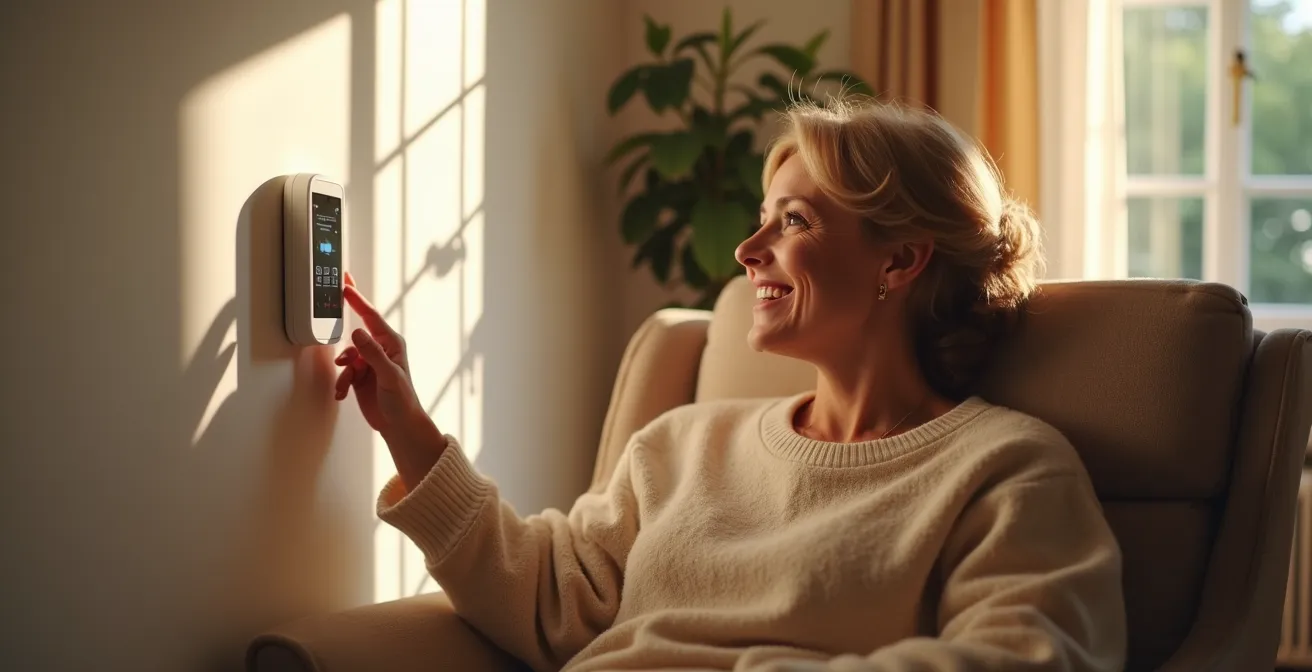
Achieving these savings requires moving beyond setting a simple “home” and “away” temperature. It involves a dynamic approach that adapts to your life and even to external factors like weather and utility pricing. A truly optimized thermostat, working as part of your central hub, will utilize a combination of these advanced techniques:
- Geofencing: Using the location of multiple family members’ phones to automatically determine if the house is occupied, providing a far more accurate trigger for “away” mode than a fixed schedule.
- Multi-Sensor Averaging: Placing small sensors in different rooms to give the thermostat a true picture of the whole-home temperature, ignoring cold spots or sunny patches that would otherwise trigger the system unnecessarily.
- Time-of-Use Integration: If your utility offers variable pricing, the thermostat can be programmed to pre-heat or pre-cool your home during off-peak hours when electricity is cheapest.
- External Sensor Linking: Connecting the thermostat to smart window or door sensors allows it to automatically pause the HVAC system if a window is opened, preventing wasted energy.
- Humidity Control: Using humidity readings to adjust the perceived temperature. A more humid home feels warmer in the winter, allowing you to set a lower temperature while maintaining comfort.
By programming these intelligent behaviors, your thermostat transforms from a simple control device into an active energy manager. It stops just reacting to temperature and starts anticipating your needs, optimizing for both comfort and efficiency.
Now that you understand the core principles of building a unified, protocol-driven smart home, the next step is to choose the platform that will serve as its brain. By applying these concepts of local control, layered security, and systemic integration, you can build an ecosystem that is truly smart, reliable, and tailored to your life.